One tap to log
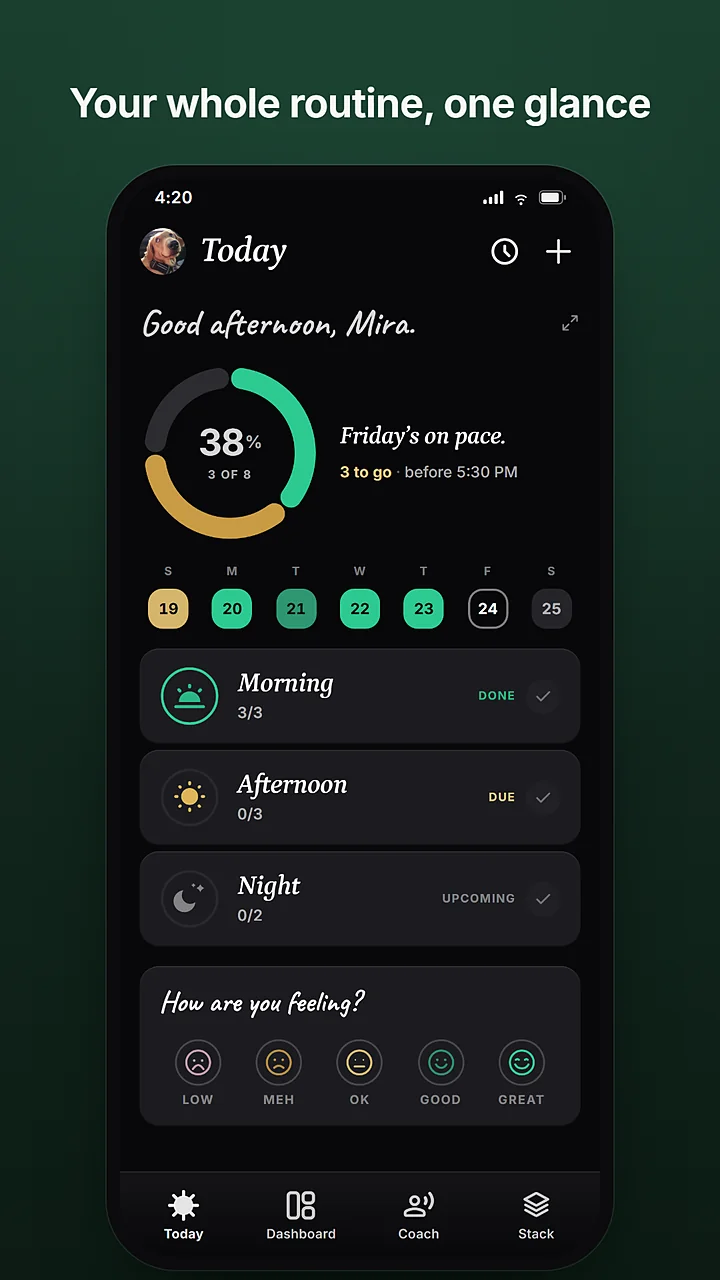
Morning, afternoon, evening, night. Tap a dose or a whole slot, and the day's ring fills in. A quick check-in asks how you felt.
Supplement & vitamin tracker for Android
Pavelo is a supplement tracker with reminders that reach you, a scanner that reads the label, and a coach who knows your stack. One tap logs a dose. The week tells you how it went.

Free to install.
Android 7.0 and up.
What's free
Morning, afternoon, evening, night. Tap a dose or a whole slot, and the day's ring fills in. A quick check-in asks how you felt.
A quiet follow-up while a dose is still due, or a real alarm that rings on silent until you answer. Snooze when life gets in the way.
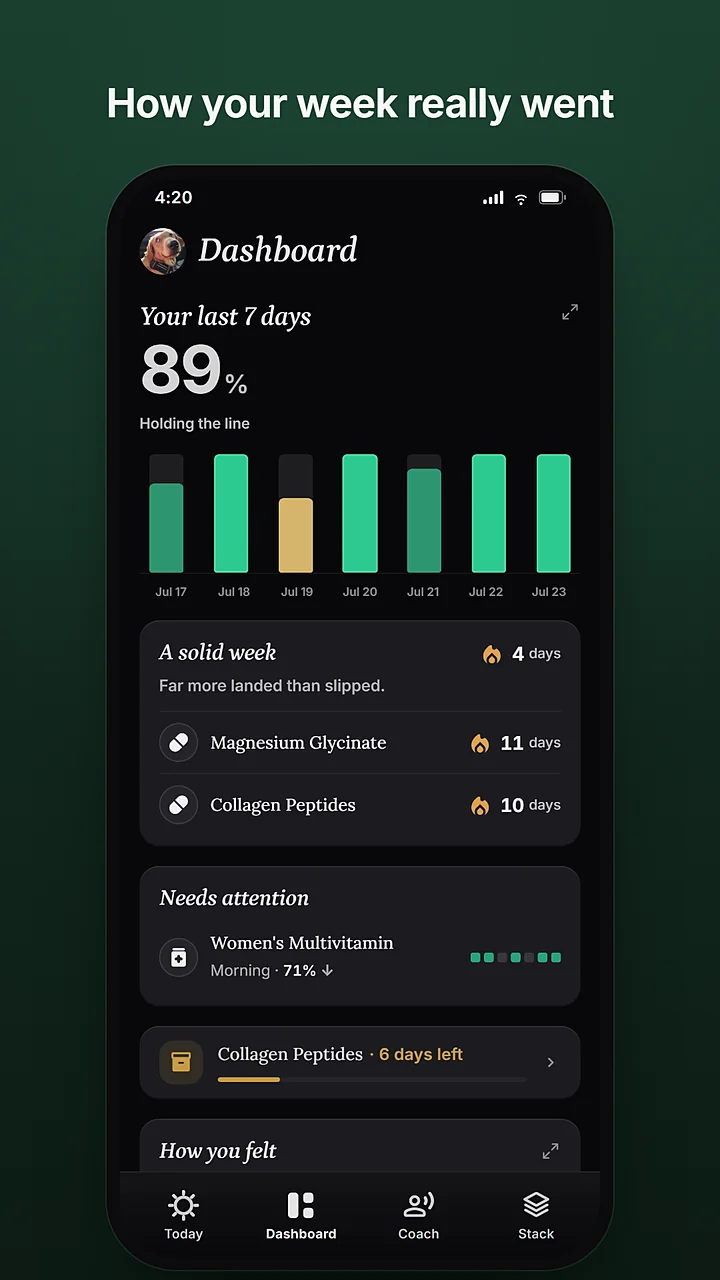
The dashboard says how the week went, not what you want to hear. Streaks, the supplement that keeps slipping, and how the days felt.
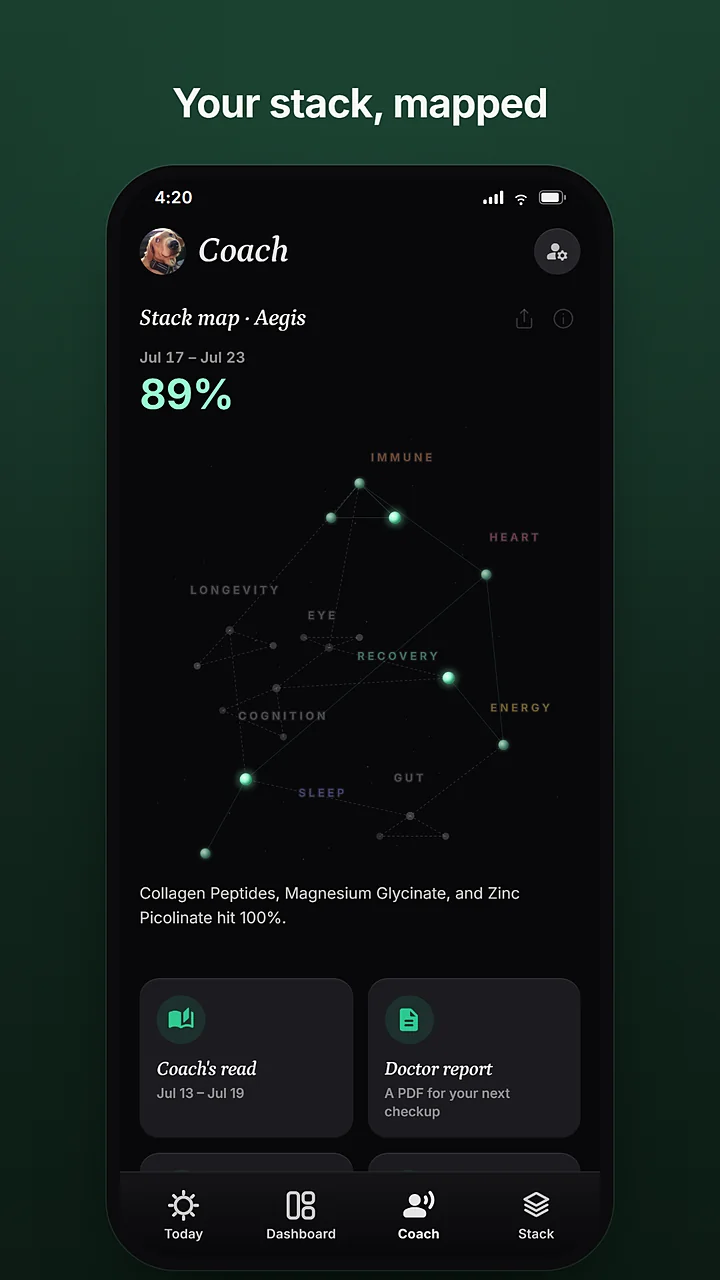
Your supplements drawn as a constellation, each star lit by how consistently you took it. Tap a star for its own read.
What the beta unlocks
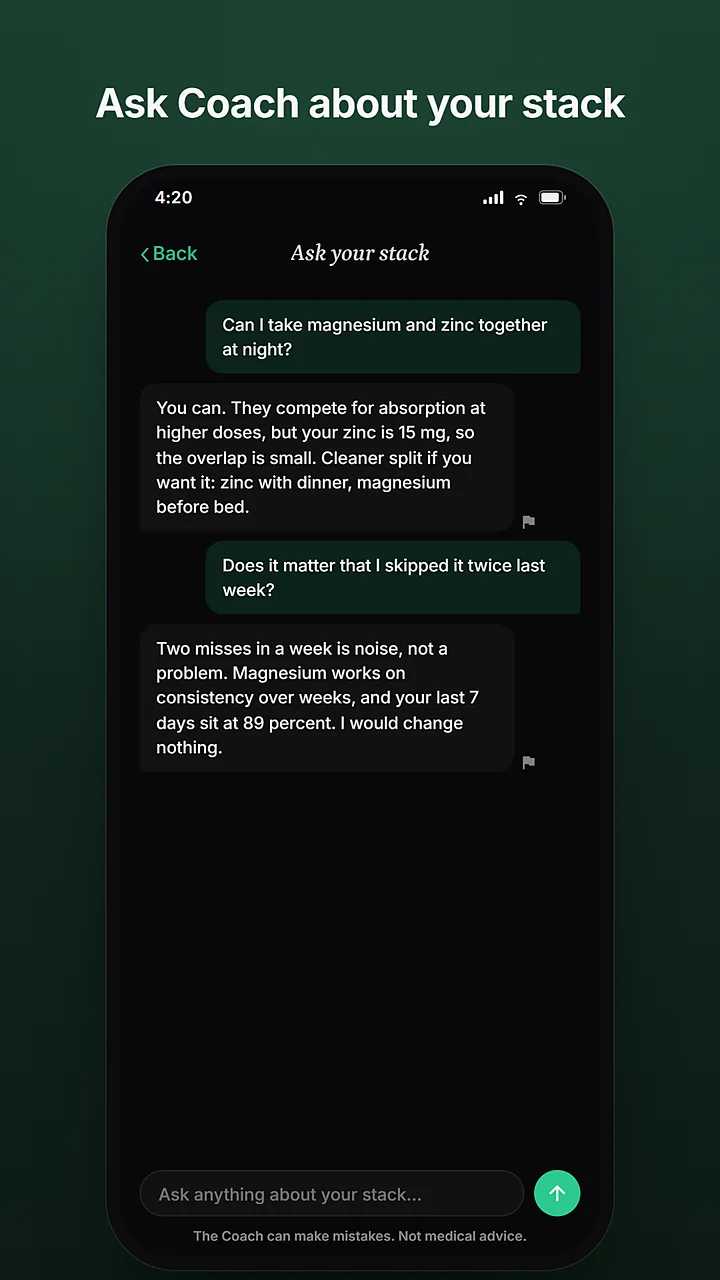
Ask about timing and interactions, or read how your week held up. Answers come from your own stack and your own logs. Nothing invented.
Point the camera at a bottle and the details fill themselves in. Name, dose, and form, read straight from the label.
A chapter for every supplement you take. Its role in your stack, practical dosing, and the evidence, graded plainly.
The app
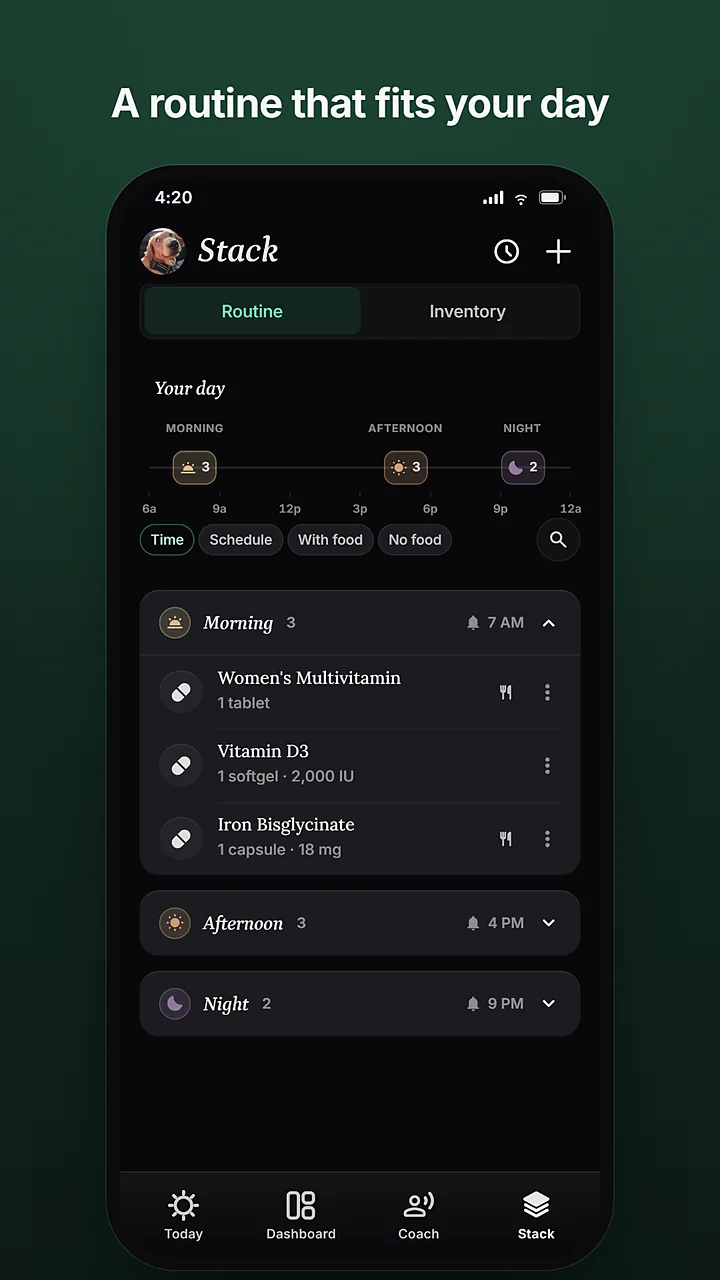
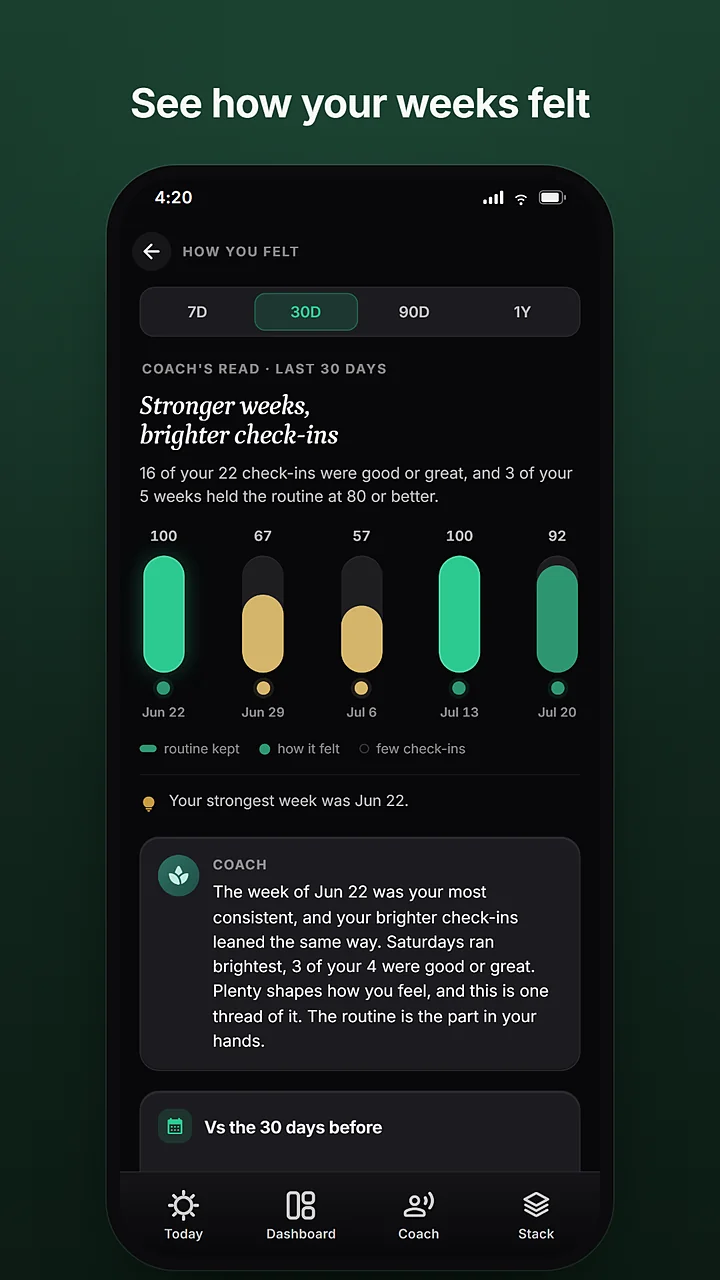
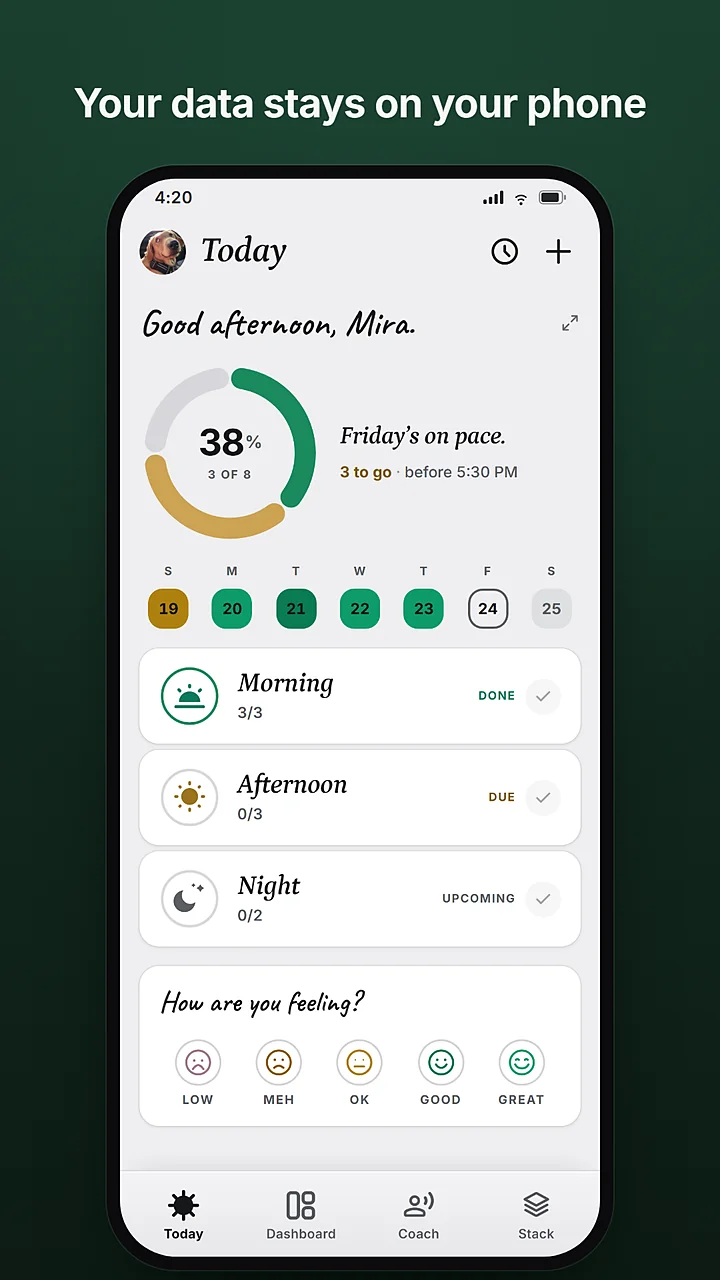
Your tracking data stays on your phone unless you turn on a connected feature. No ads, and we never sell your data.
Questions
What people ask before they install a supplement tracker, and what is true of this one.
Tracking is free and stays free: unlimited supplements, logging, reminders, alarms, mood check-ins, and history. While the open beta runs, the Coach, the label scanner, and the deep dives are unlocked too.
Yes. Vitamins, minerals, herbs, protein, creatine, anything you take on a schedule. Pavelo tracks what you took and when. It is not a calorie or nutrient counter for food.
Mark it as missed, or as skipped if you chose to. The day's ring stays honest, and the week shows where it slipped without a lecture.
Logging, reminders, and your history live on the phone and work without a connection. The Coach, the scanner, and the deep dives need one.
Not yet. Pavelo runs on Android 7.0 and up and is in open beta on Google Play.
No. Pavelo is not a medical device and does not diagnose, treat, cure, or prevent any medical condition. The Coach gives suggestions, not prescriptions. Always consult a healthcare professional for medical advice, diagnosis, or treatment.
Install it, add what you take, and log the first dose. The whole thing takes about ten seconds.
If something breaks, write to [email protected] and it gets fixed.
 Scan with your phone camera to install.